
Voice & chat
Talk to Engane in Malayalam
By Thompson Cherian · Updated
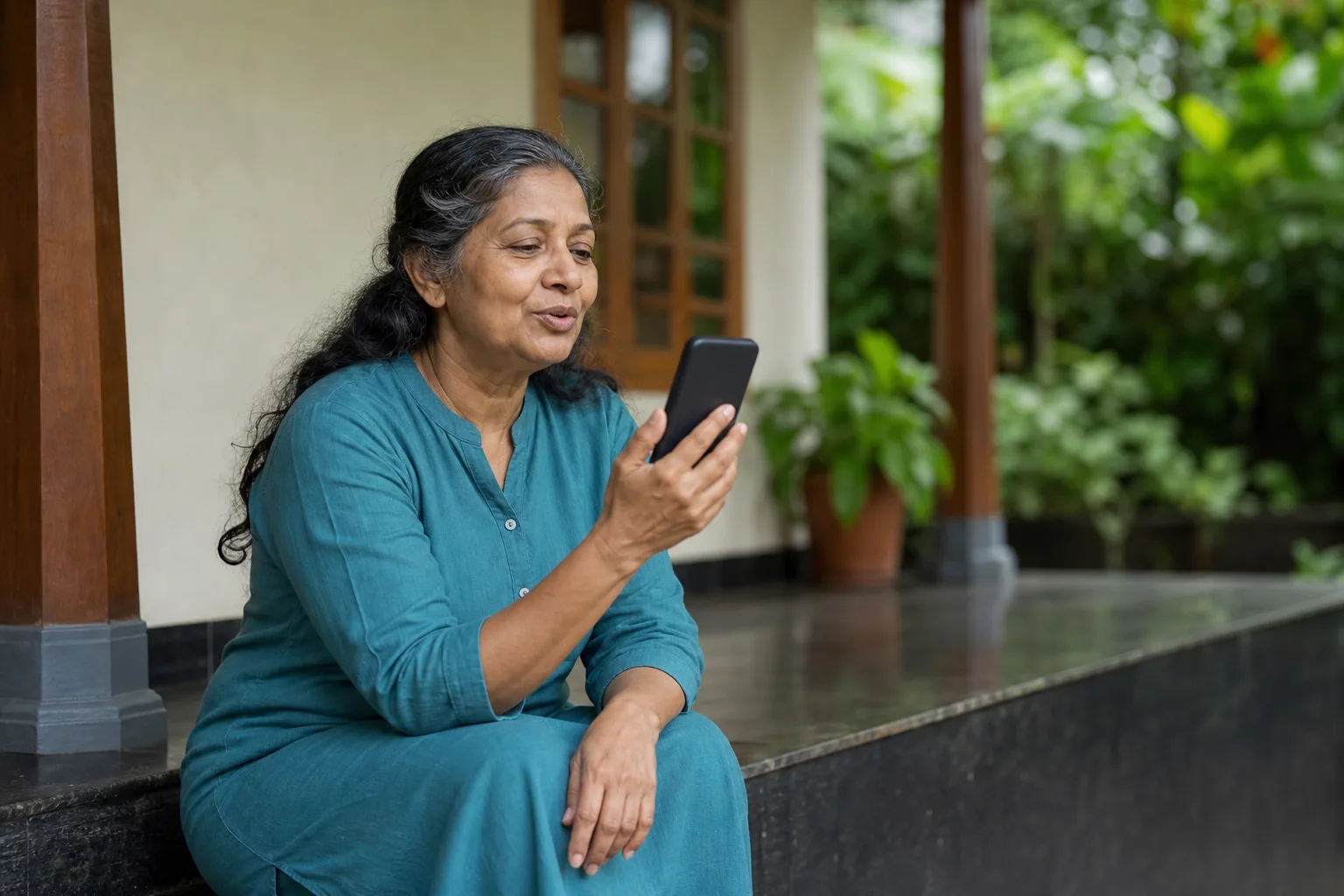
ടൈപ്പിന് പകരം സംസാരിക്കാം. ഇത് ഉദാഹരണ ചിത്രമാണ്; യഥാർത്ഥ ഉപയോക്താവിന്റെ ചിത്രമോ അനുഭവസാക്ഷ്യമോ അല്ല.
Speak instead of typing. Illustrative scene; the person shown is not a real customer or testimonial.
AI-generated illustrative photo of a fictional woman speaking toward a phone on a Kerala veranda.
AI ഉപയോഗിച്ച് തയ്യാറാക്കിയ ചിത്രംAI-generated visual
Ask Engane a question out loud, or type it in Manglish or Malayalam, and get the answer in natural Malayalam. Engane’s Malayalam chat and voice are powered by Sarvam AI, an Indic language AI company: its Sarvam-105B model writes the text replies, and its Bulbul v3 model reads them aloud. The voice is AI-generated, not a real person.
Engane-നോട് മലയാളത്തിൽ സംസാരിക്കൂ, അല്ലെങ്കിൽ മംഗ്ലീഷിലോ മലയാളത്തിലോ ടൈപ്പ് ചെയ്യൂ — മറുപടി മലയാളത്തിൽ തന്നെ കിട്ടും. മലയാളം ചാറ്റും ശബ്ദവും പ്രവർത്തിക്കുന്നത് Sarvam AI-യുടെ സാങ്കേതികവിദ്യയിൽ: ടെക്സ്റ്റ് മറുപടികൾ എഴുതുന്നത് Sarvam-105B മോഡലും, അവ ഉറക്കെ വായിക്കുന്നത് Bulbul v3 മോഡലുമാണ്. ഇത് AI സൃഷ്ടിച്ച ശബ്ദമാണ്, യഥാർത്ഥ മനുഷ്യന്റേതല്ല. Engane ഒരു സ്വതന്ത്ര ആപ്പാണ്, Sarvam-ന്റെ ഉൽപ്പന്നമല്ല.
 Coming soonApp Store
Free plan: up to 25 messages a day (up to 5 of them spoken), within a ₹250 monthly free-usage limit. No credit card. See pricing
ദിവസവും 25 സന്ദേശങ്ങൾ വരെ സൗജന്യം (അതിൽ 5 വരെ വോയ്സ്), മാസം ₹250 സൗജന്യ പരിധിക്കുള്ളിൽ. കാർഡ് വേണ്ട.
Engane is an independent app by Thompson Consulting (OPC) Private Limited, not a Sarvam product. More →
Start a Malayalam voice conversation
സൗജന്യ അക്കൗണ്ടിൽ സൈൻ ഇൻ ചെയ്ത് വോയ്സ് മോഡ് തുറക്കൂ. മൈക്രോഫോൺ ഉപയോഗിക്കാൻ അനുമതി നൽകി മലയാളത്തിൽ ചോദിക്കൂ. മറുപടി കേൾക്കാം; ആവശ്യമെങ്കിൽ വീണ്ടും ചോദിക്കാം.
Sign in with a free account, open voice mode and allow microphone access when asked. Ask a question in Malayalam, listen to the reply, then ask a follow-up. Daily and monthly free-plan limits apply.
How Engane’s voice and chat work
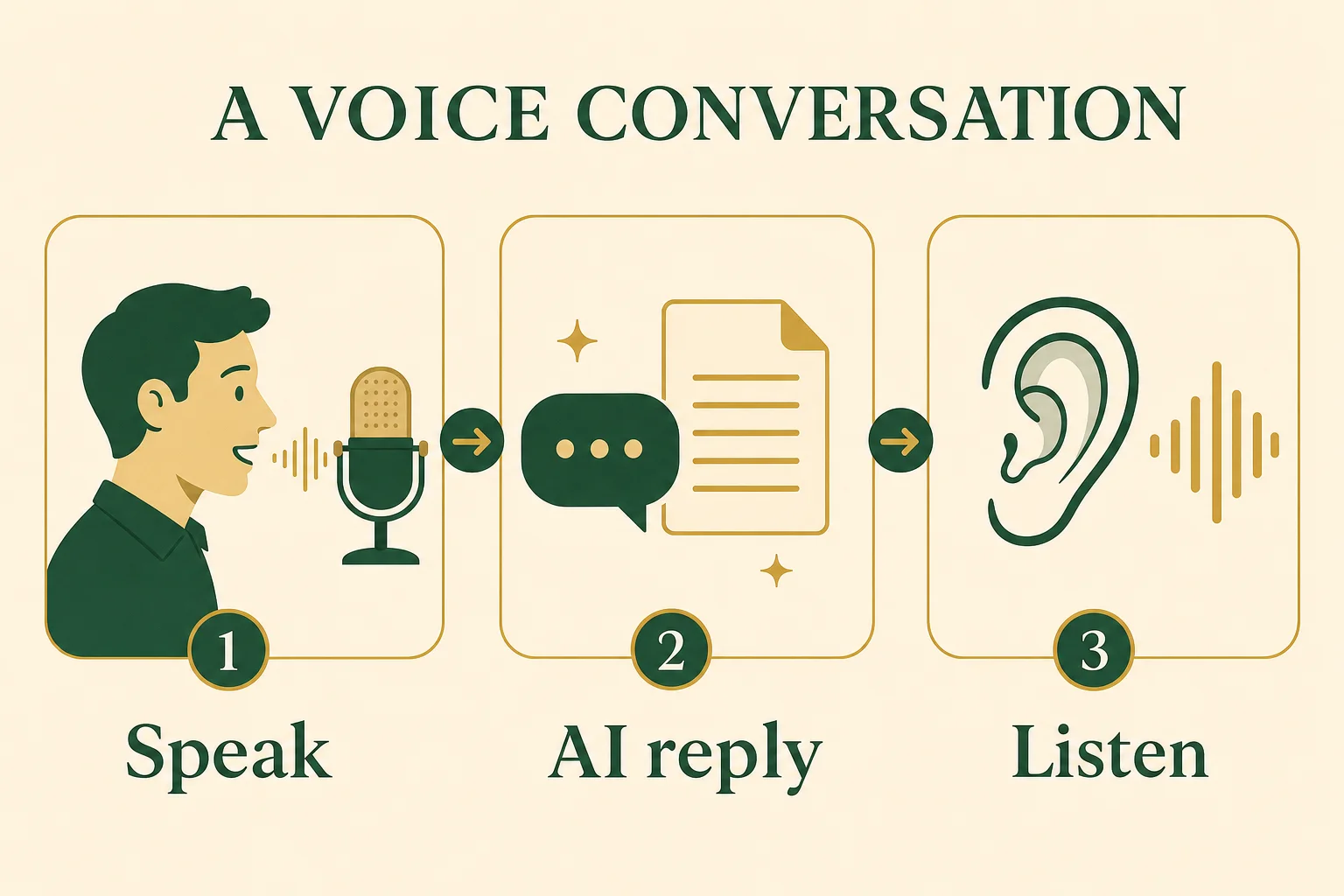
ഒരു ചെറിയ ചോദ്യം ചോദിക്കൂ, മറുപടി കേൾക്കൂ, കൂടുതൽ വ്യക്തത വേണമെങ്കിൽ വീണ്ടും ചോദിക്കൂ.
Ask a short question, listen to the reply and ask again if you need a clearer explanation.
Three stages of a voice conversation: Speak, AI reply, Listen.
AI ഉപയോഗിച്ച് തയ്യാറാക്കിയ ചിത്രംAI-generated visual
| Step | What happens | What does it |
|---|---|---|
| Speaking | Voice-mode replies, and the latest chat reply when you tap its speaker button, are read aloud in an AI-generated voice. | What does it: Bulbul v3, Sarvam’s text-to-speech model, on every device. In voice mode you choose the voice and the pace. |
| Listening | What you say is turned into text. | What does it: On phones and in the Android app, voice mode and the Simple-layout chat mic turn your speech into text with Sarvam's speech-to-text; so does the chat mic in desktop browsers without built-in speech recognition, such as Firefox. Elsewhere — voice mode and the chat mic in desktop Chrome, Edge and Safari, and the Advanced-layout mic — your browser's own speech recognition is used, and the browser's provider handles that audio (Google, for Chrome). The Marathi early-access page also uses the browser's own speech recognition on every device. Engane keeps no voice recordings; only the text becomes your message. |
| Answering | Your reply is written. | What does it: Malayalam and English text replies are written by Sarvam-105B (conversational variant), a language model from Sarvam AI, on every plan. Anthropic's Claude, through Amazon Bedrock, answers messages with a photo or document, stands in if that model is briefly unavailable, answers on the Marathi early-access page, and writes the summary when you tap Summarize on a long conversation. In the guessing game under Games, the final guess, and any turn the usual model cannot serve, is answered by Anthropic's Claude through Amazon Bedrock. |
| Personalising | Engane learns your preferences. | What does it: About every fifth message you send in a conversation, and right after you answer one of Engane's profile questions, Engane also sends your recent messages to Anthropic's Claude Haiku 4.5 (through Amazon Bedrock) to learn your preferences, so replies can be more personal. |
Why Engane chose these models
Engane is built for people who speak Malayalam, often with English mixed in. We chose these models because of how their maker, Sarvam AI, describes them:
- Built for Indian languages. The company says every one of its models is “trained and evaluated on Indian languages, accents, and code-mixed usage, not adapted from an English-first baseline.” documentation
- Malayalam is one of Bulbul v3’s languages. Bulbul v3’s documentation lists Malayalam among its 11 languages (10 Indian languages plus English). Bulbul v3 documentation
- Names and mixed speech. The company’s text-to-speech page promises “correct, contextually accurate pronunciation of Indian names and terms” and says Bulbul v3 can “seamlessly transition between languages within the same conversation or phrase.” text-to-speech page
- Malayalam in any script. The documentation lists Malayalam among Sarvam-105B’s 11 languages and says the model takes native-script, romanized and code-mixed input — for Malayalam, that is Malayalam script, Manglish, and Malayalam mixed with English. model overview · model documentation
- Voices and pace. Bulbul v3’s documentation lists more than 30 voices. In voice mode, Engane offers fourteen of them for Malayalam as named AI avatars — Kaveri, Fathima, Meera, Devan, Nikhil, Anjali, Lakshmi, Maria, Nandana, Vivek, Arun, Thomas, Rafi and Suresh — and lets you set the speaking pace from 0.5x to 2x. Bulbul v3 documentation
These are the model maker’s own descriptions, not results of Engane’s testing. If Engane changes provider, this page will say so.
What you can do with Engane
- Speak in Malayalam, or type in Manglish or Malayalam script, and get your answer in Malayalam — read aloud when you want it.
- Ask about Kerala news or today’s gold rate.
- Find local services in Kerala through Naatil, a Kerala services directory built into the chat. naatil.com ↗
- Talk instead of type. This helps parents and grandparents who would rather speak than use a phone keyboard.
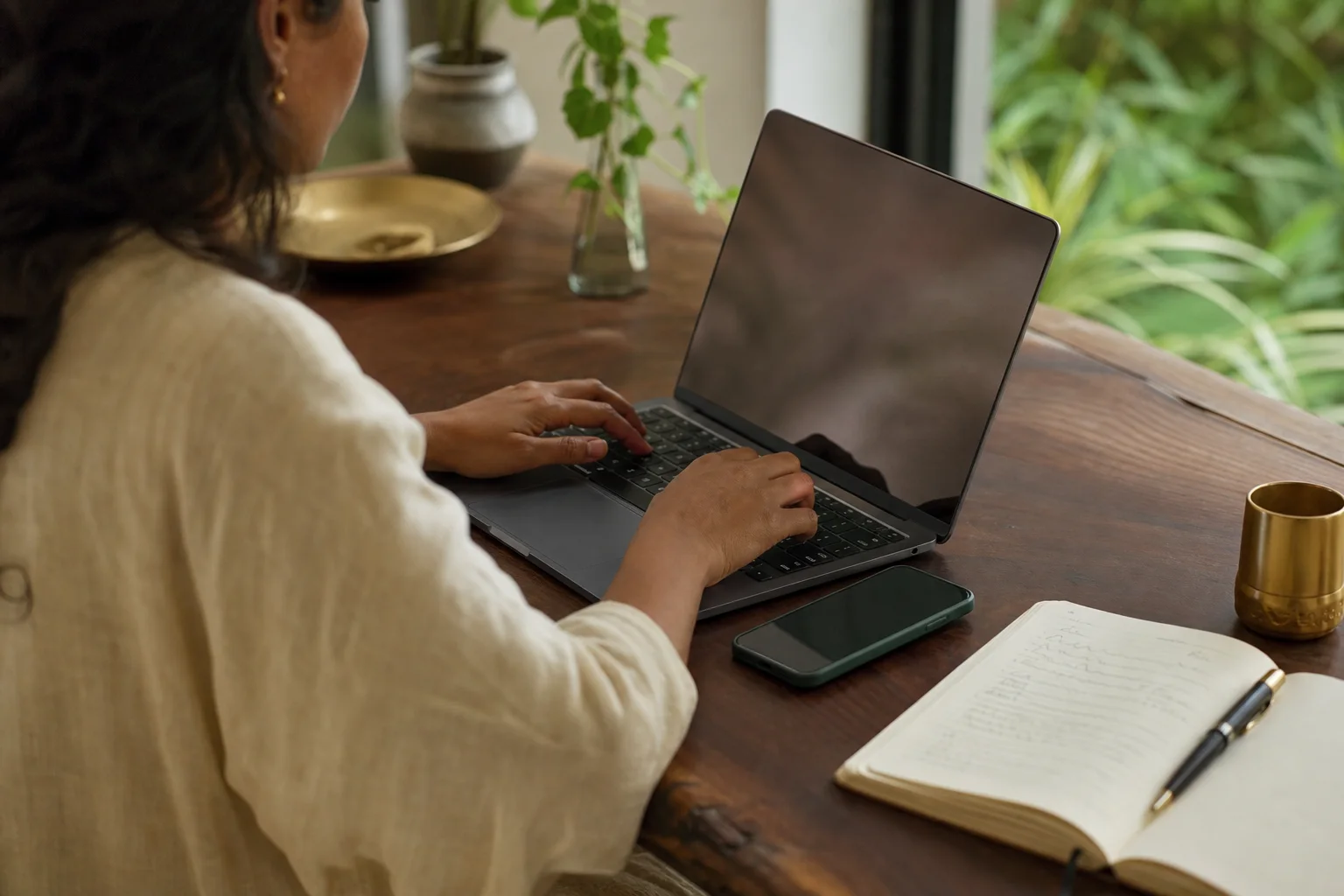
നിങ്ങൾക്ക് എളുപ്പമുള്ള ഉപകരണവും ടൈപ്പിംഗ് രീതിയും തിരഞ്ഞെടുക്കൂ. അയയ്ക്കും മുമ്പ് വാക്കുകൾ പരിശോധിക്കൂ. AI സൃഷ്ടിച്ച ഉദാഹരണ ചിത്രം; വ്യക്തികൾ സാങ്കൽപ്പികമാണ്.
Choose the device and input method that feel easiest; check the words before sending. Illustrative AI photo; fictional people.
A fictional person typing at a desk with a laptop, phone and notebook.
AI ഉപയോഗിച്ച് തയ്യാറാക്കിയ ചിത്രംAI-generated visual
Keep sensitive details private
പാസ്വേഡ്, OTP, ബാങ്ക് അക്കൗണ്ട് വിവരങ്ങൾ എന്നിവ ചോദ്യത്തിൽ ചേർക്കരുത്. എന്താണ് സൂക്ഷിക്കുന്നതെന്ന് സ്വകാര്യതാ നയത്തിൽ വായിക്കാം.
Leave passwords, OTPs and bank account details out of your questions. Read the Privacy Policy to understand what the app stores.
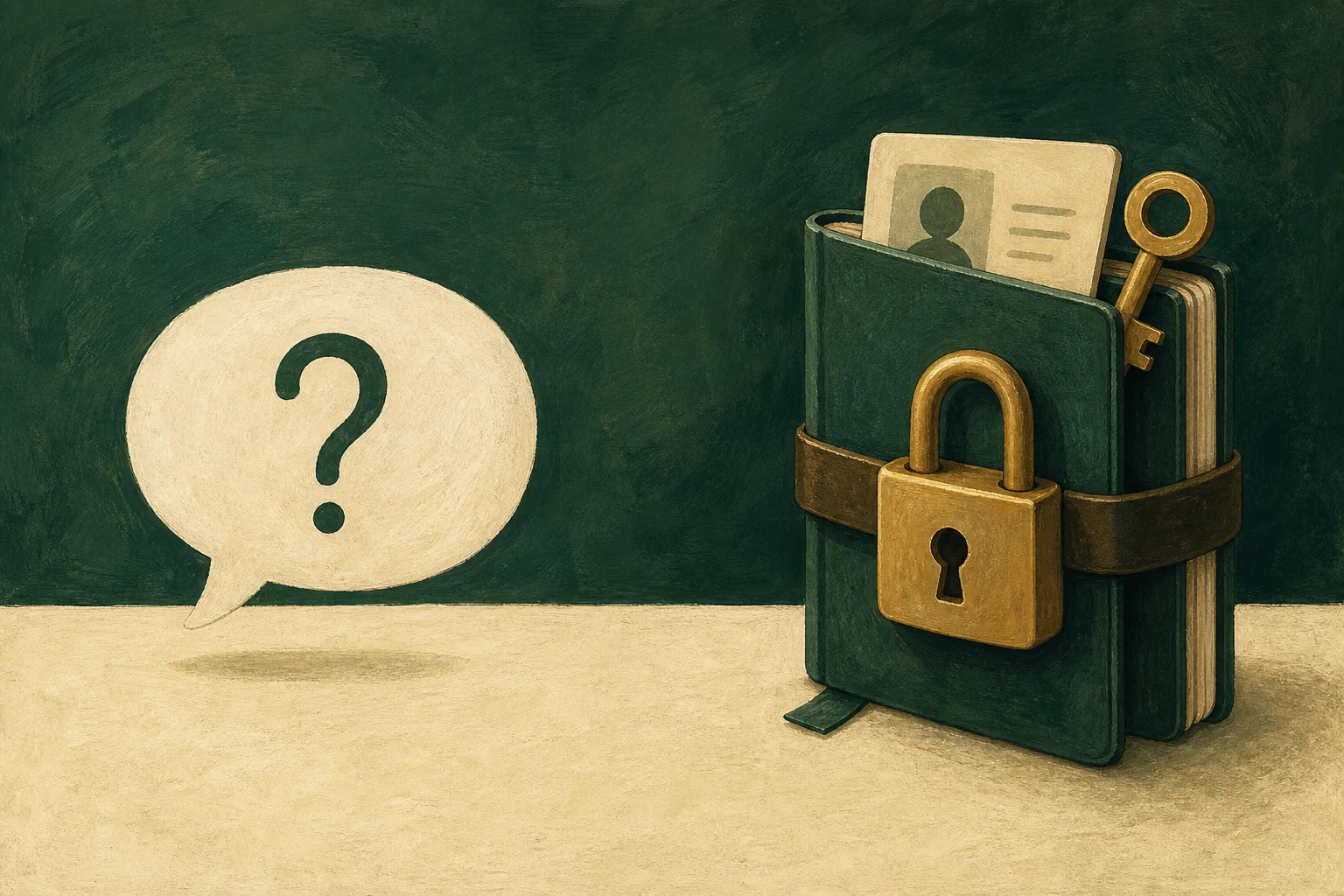
പാസ്വേഡ്, OTP, അക്കൗണ്ട് വിവരങ്ങൾ, ആവശ്യമില്ലാത്ത സ്വകാര്യ വിവരങ്ങൾ എന്നിവ ചോദ്യത്തിൽ ചേർക്കരുത്.
Leave passwords, OTPs, account details and unnecessary personal information out of a question.
An ordinary question bubble separated from a locked notebook of private details.
AI ഉപയോഗിച്ച് തയ്യാറാക്കിയ ചിത്രംAI-generated visual
Looking for Sarvam itself?
- Building your own app? Go to the company’s website and its API documentation.
- Looking for its chat assistant? That is Indus.
- Engane is an independent Malayalam app that uses these models through their public APIs. Try Engane’s voice mode →
Engane voice and chat FAQ
Is Engane made by or affiliated with Sarvam AI?
No. Engane is an independent app made by Thompson Consulting (OPC) Private Limited. It uses Sarvam AI's public APIs, which any developer can use, and is not made, owned, sponsored or endorsed by Sarvam.
Which AI models does Engane use?
Sarvam-105B writes Malayalam and English text replies and Bulbul v3 reads replies aloud; Anthropic’s Claude handles photos, documents and a few other cases. The table under “How Engane’s voice and chat work” above lists each one.
How Engane’s voice and chat work ↑Is the voice a real person?
No. The voices in Engane’s voice mode and chat are AI-generated by Bulbul v3. Kaveri, Fathima, Meera, Devan, Nikhil, Anjali, Lakshmi, Maria, Nandana, Vivek, Arun, Thomas, Rafi and Suresh are the names Engane gives them.
Which Malayalam voices can I choose, and can I change the speed?
In voice mode you can choose from fourteen AI avatars (Kaveri, Fathima, Meera, Devan, Nikhil, Anjali, Lakshmi, Maria, Nandana, Vivek, Arun, Thomas, Rafi and Suresh) and set the speaking pace from 0.5x to 2x; the default is 0.9x. Both are in the voice menu on the voice screen.
Does it understand Manglish?
Yes. When you type in Manglish, Engane turns it into Malayalam script as you type, and the documentation for Sarvam-105B says it reads romanized and code-mixed text as well. In voice mode you can speak in Malayalam or English.
Model documentation ↗Can I try it for free?
Yes, with limits. Sign in on the web or in the Android app. Free plan: up to 25 messages a day (up to 5 of them spoken), within a ₹250 monthly free-usage limit. No credit card. Paid plans and credits are on the pricing page.
Pricing →Does voice mode work on desktop?
Yes, in Chrome, Edge and Safari. Engane speaks with the same AI voices on every device. On desktop, voice mode listens through the browser’s built-in speech recognition, and the browser’s provider handles that audio (Google, for Chrome). Firefox has no built-in speech recognition, so voice mode can’t listen there yet.
What happens to my voice recordings?
Engane keeps no voice recordings; only the text of what you said becomes your message. Which service turns your speech into text depends on your device — see “How Engane’s voice and chat work” above. Our Privacy Policy describes the services that handle your data.
Privacy Policy →Get Engane.AI on your phone
Coming soonApp Store